SCAMS
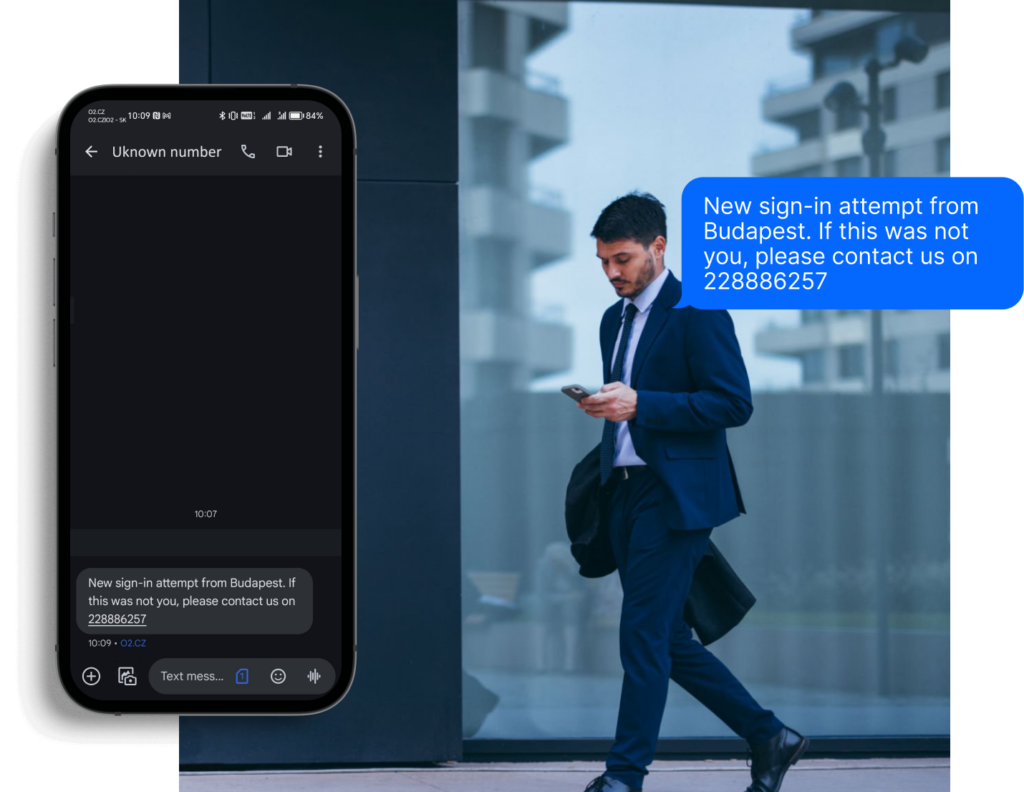
can arrive in any language.
CHECK
them before you click or pay.
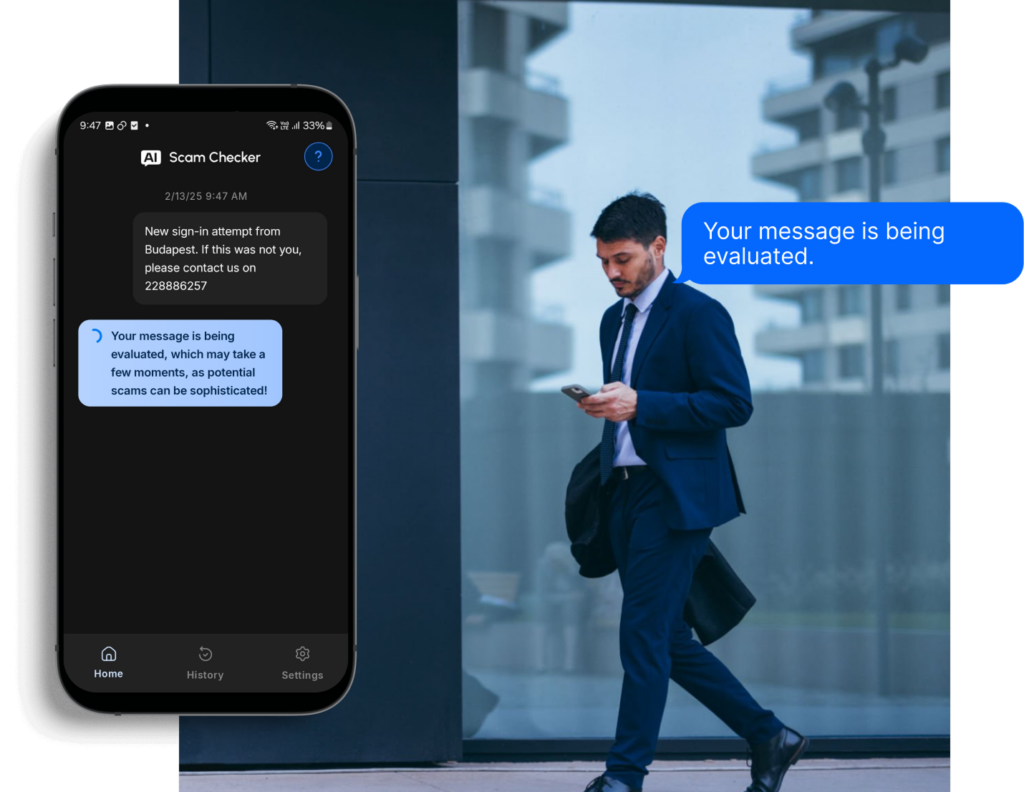
Not sure if a message, link, QR code, or phone call is a scam? Paste a message, upload a screenshot, scan a QR code, or describe a suspicious call — get a clear answer in seconds. No technical knowledge needed.
AI Scam Checker helps you verify suspicious messages, links, QR codes, screenshots, and phone calls from any platform — SMS, WhatsApp, Telegram, Messenger, email, and more. Works in any language.
Safe message
The content seems safe. We haven’t found anything suspicious.
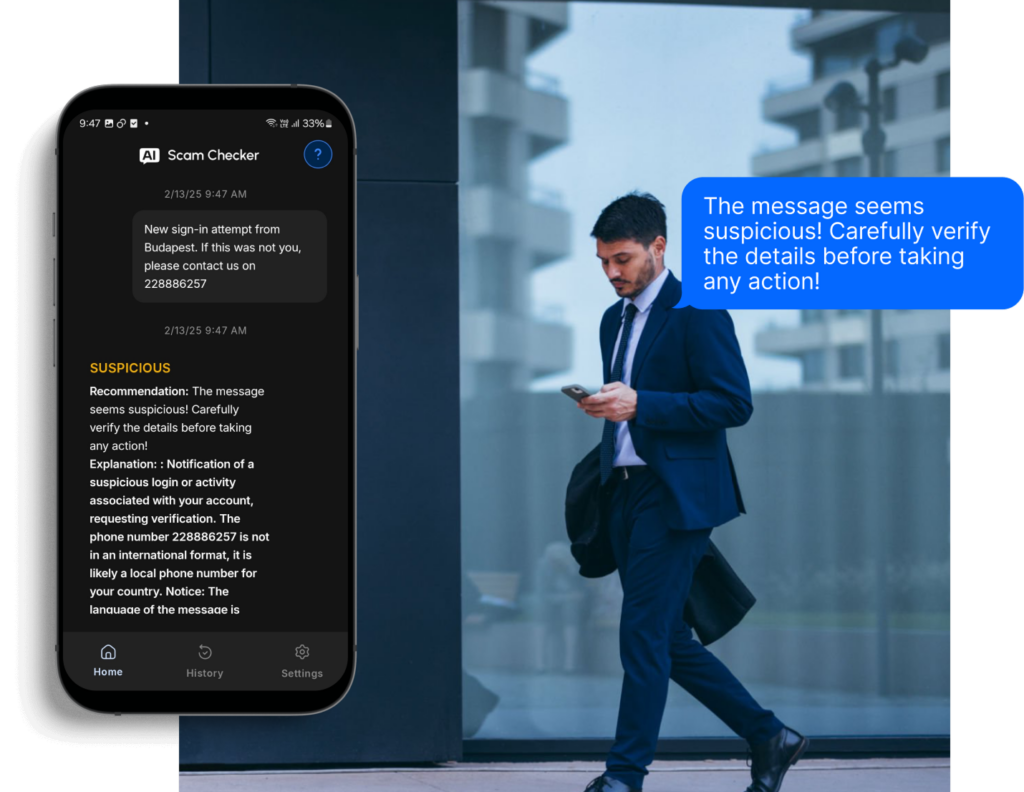
Suspicious message
The content contains suspicious characteristics. If you don’t know the sender, we recommend caution.
Dangerous message
This is likely a scam. Do not respond, click any links, or share personal information. We recommend deleting the message.
Features
What you can check?
Five ways to protect yourself
Messages and SMS
Paste any suspicious text from SMS, WhatsApp, Telegram, Viber, Messenger, or any chat app. AI analyzes the content and tells you if it’s a scam.
Links and URLs
Received a suspicious link in SMS, email, or chat? Paste the URL and instantly find out if it’s safe or a phishing attempt.
Links and URLs
Received a suspicious link in SMS, email, or chat? Paste the URL and instantly find out if it’s safe or a phishing attempt.
QR codes
Found a QR code on a poster, in an email, or on a package? Take a photo or screenshot and upload it — AI tells you if it’s safe or leads to a scam.
Suspicious calls
Someone called claiming to be your bank or a government agency? Describe what happened — who called, what they said, what they asked for — and AI tells you if it was a scam.
Suspicious calls
Someone called claiming to be your bank or a government agency? Describe what happened — who called, what they said, what they asked for — and AI tells you if it was a scam.
Screenshots
Can’t copy the text? Upload a screenshot of any conversation or message — AI reads and analyzes it for you.
Languages
Scams can arrive in any language
Scammers don’t stick to one language — and neither does AI Scam Checker. Check suspicious messages, links, QR codes, and calls in the language they arrive in, and get a clear explanation you can understand. Whether you’re at home or traveling abroad, AI Scam Checker works in your language.
Install AI Scam Checker via QR codes
App Store
Google Play
通过二维码安装
App Store
Google Play
Встановіть AI Smishing Checker за допомогою QR-кодів
App Store
Google Play
通过二维码安装
App Store
Google Play
Installez l’AI Smishing Checker via des codes QR
App Store
Google Play
Instale el AI Smishing Checker mediante códigos QR
App Store
Google Play
Instale o AI Smishing Checker via códigos QR
App Store
Google Play
Installieren Sie den AI Smishing Checker über QR-Codes
App Store
Google Play
Nainštalujte si AI Smishing Checker pomocou QR kódov